App Store screenshots and 3D device videos, made in your browser.
Start from a template, drop in your app's screens and export every size the stores ask for. Free, with no signup and no watermark.
Screenshots SnapKit
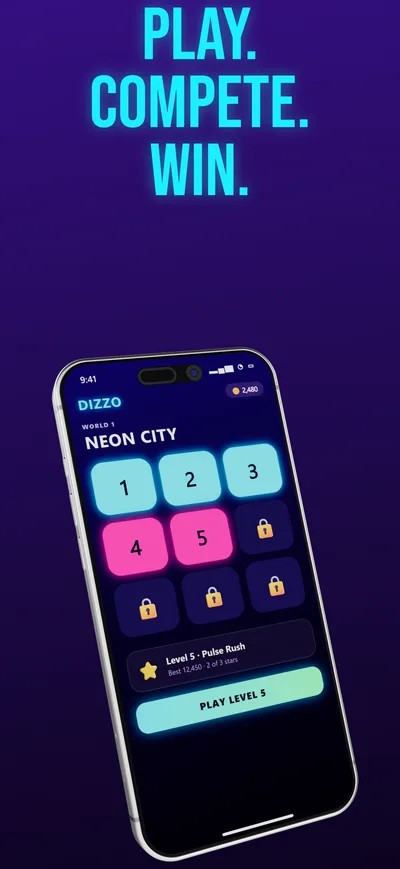
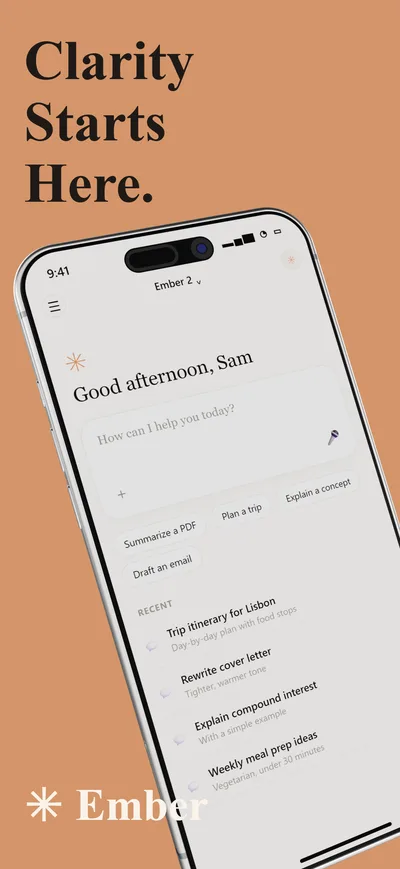
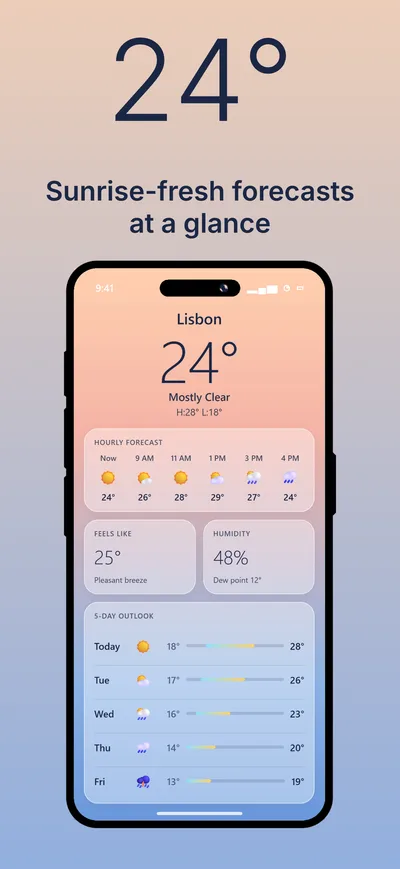
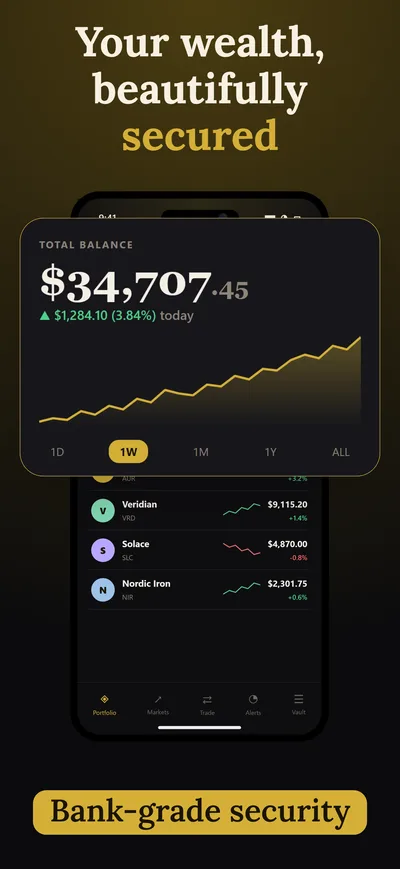
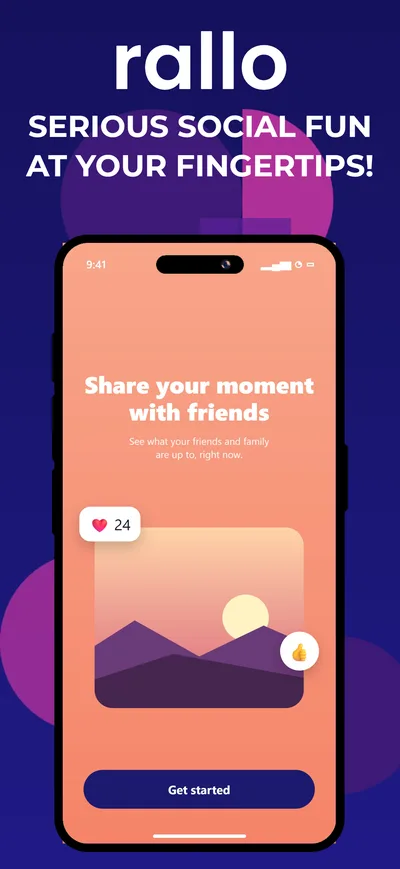
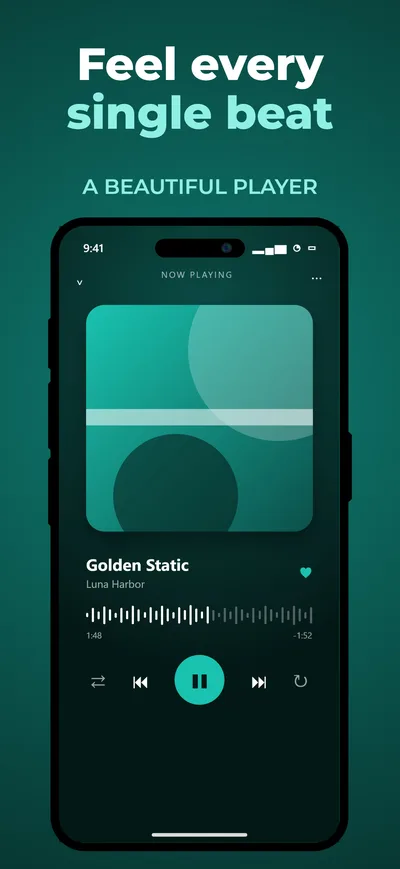
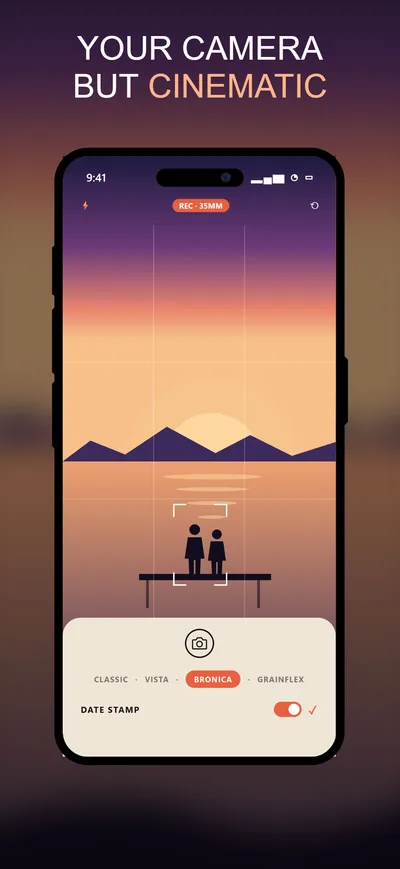
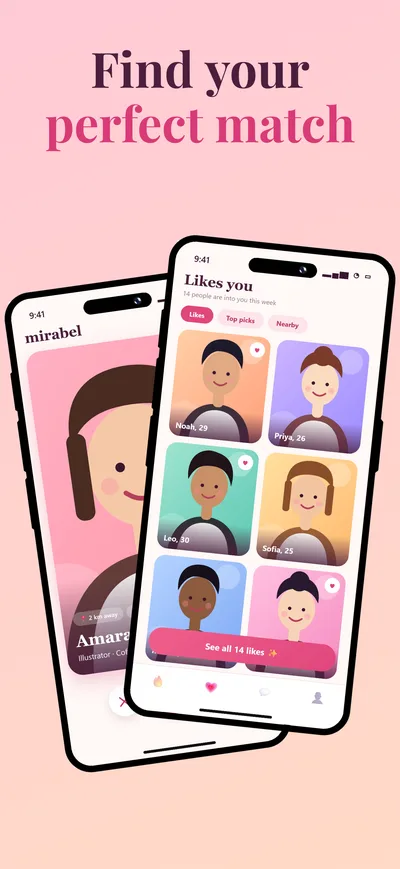
A slide editor built for store listings. Devices, headlines, backgrounds and callouts sit on one canvas, so the whole set stays consistent.
- 40 templates
- Finished layouts for finance, fitness, games, travel and more. Swap in your screens and change the words.
- Every store size
- iPhone, iPad, Google Play phone and tablet, plus the 1024×500 feature graphic. One click exports the whole set.
- Checks before upload
- Catches wrong sizes, too many screenshots, text too small to read in search results and content near the edges.
- A/B variants
- Keep two versions of a set in one project for Play experiments and App Store product page tests.
Device videos Studio
Turn a screen recording into a short product video for your store page, website or socials, with the phone moving the way you choose.
- 3D devices
- iPhone, iPad, MacBook and iMac models. Put a screenshot or a screen recording on the display.
- A real timeline
- Camera poses, a different screen for each shot, titles and music, edited the way you would in a video app.
- 4K export
- MP4 video up to 4K, or a single still for your website or a launch post.
Questions
What is MockupReel?
MockupReel is a free, browser-based tool for making App Store and Google Play screenshots (SnapKit) and animated 3D device mockup videos (Studio). Nothing to install and no account needed.
Is MockupReel free?
Yes. Every feature is free to use, and exports have no watermark.
Which screenshot sizes does it export?
All current App Store sizes for iPhone (6.9", 6.7", 6.5", 5.5", 4.7") and iPad (13", 11", 10th and 9th gen), Google Play phone, tablet and Chromebook sizes, the 1024×500 Play feature graphic, and common web and social sizes. Exports are PNG (feature graphic as JPEG), with multiple slides zipped.
Can I make an app preview video?
Yes. In Studio, put your screen recording on a 3D device, add camera moves, titles and music on the timeline, and export a 4K MP4 (WebM in browsers without MP4 recording).
Will my screenshots pass App Store and Google Play review?
Before export, MockupReel checks sizes, screenshot counts, Play aspect-ratio limits, small text, placeholder text and content too close to the edges, so common rejection causes are caught early.
Where is my work saved?
Projects autosave in your browser on your device. Use Project → Save project file to download a .snp file you can reopen later or on another computer.
Does it work on any computer?
It runs in modern Chrome, Edge, Firefox and Safari. 3D devices need WebGL (graphics acceleration); 2D device frames work everywhere.